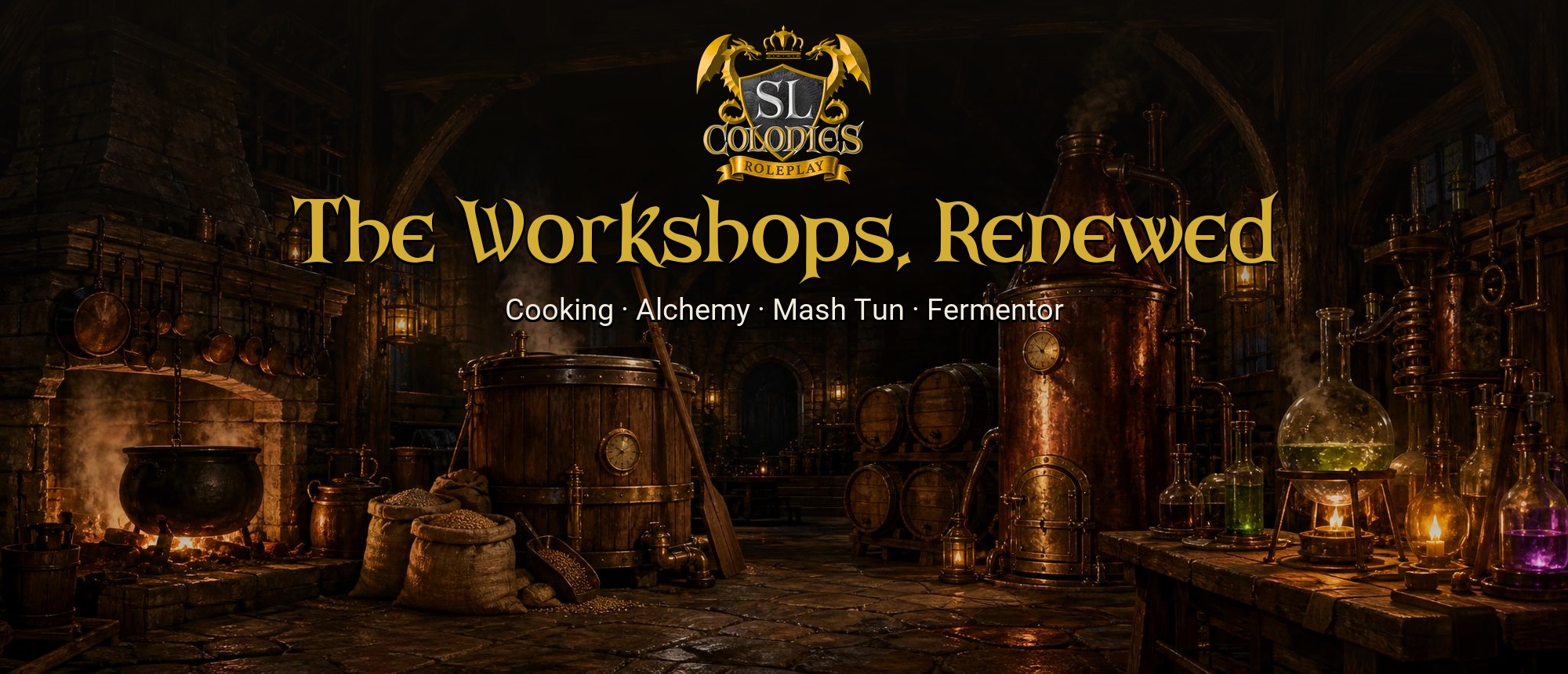
Four of our crafting stations have new apps, live today: the Cooking Station, the Alchemy Station, the Mash Tun and the Fermentor. Touch any of them and the new app opens; you don’t need to do anything. Updated station scripts are going out through the updater as well.
Under the new look, this is the groundwork for what’s next: Field Caring and Grafting. More on that at the bottom.
What’s the same
The layouts you know. Your pack on one side, the pot, tun or vat in the middle, the recipe book a button away. Every recipe still works exactly as it did.
What’s new everywhere
- Crisp at any size. The apps now draw at your screen’s own resolution, so text is sharp and fills the browser window, with no black bars.
- SL Colonies, properly dressed. Our brand’s gold and dark tones, the Arkham headings, and a painted workshop behind each app: a kitchen, a brewery cellar and an alchemist’s workshop.
- Colours you can see. Every ingredient carries a small dot in its own colour, and every recipe shows the colour of what it makes.
Cooking Station
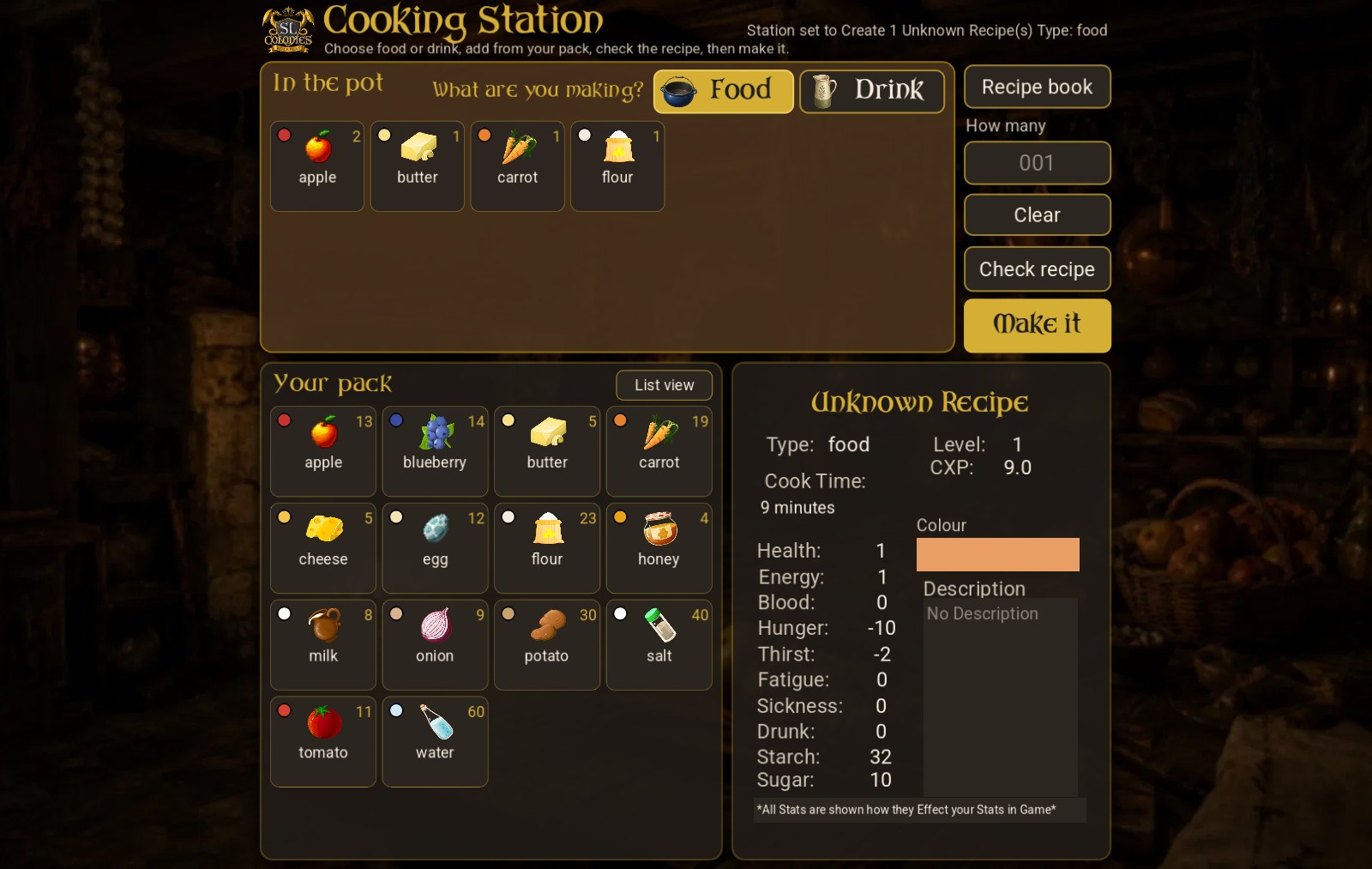
- Food or Drink first. It’s the first choice on the page, big and clear.
- Tiles or list. Show your pack and the pot as picture tiles or as a list; the app remembers which you like.
- Full names on hover. Long ingredient names never get cut off: point at one to read it in full.
- The recipe’s colour shows on the recipe card as you build it.
Cook with Fine and Choice ingredients
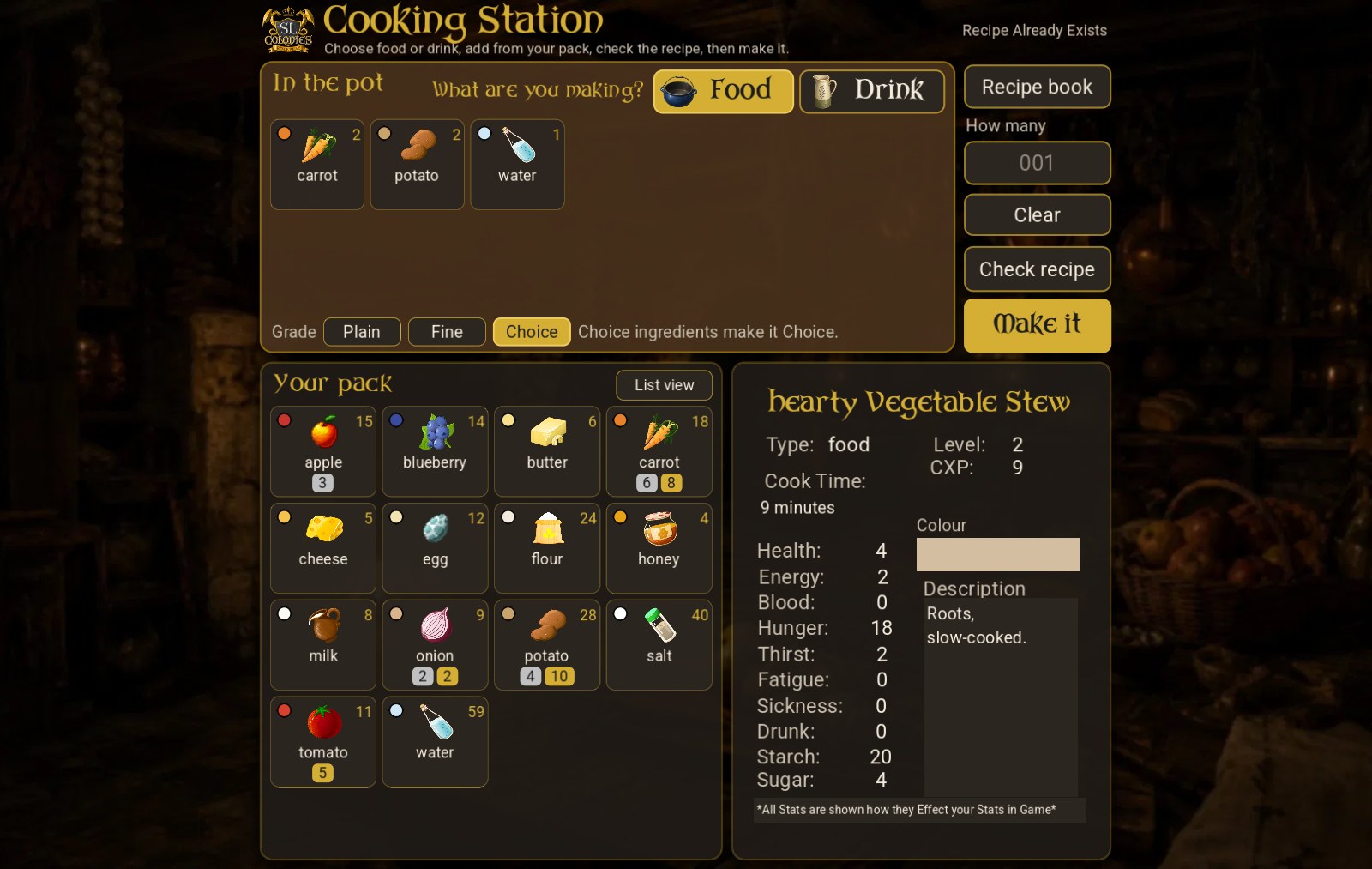
When Field Caring brings in Fine and Choice crops, the Cooking Station turns them into Fine and Choice dishes.
- Your pack shows your grades. Fine (silver) and Choice (gold) counts sit under each ingredient. The list view spells them out.
- Choose the grade at the foot of the pot. After Check recipe, pick Plain, Fine or Choice. The station takes that grade of every ingredient that can carry one, and your dish comes out at that grade.
- The app tells you before you make it what your choice will give, or what you’re short of: “You have 8 Choice carrot, and this needs 10.”
- What counts. Crops, fruit and juice carry a grade, and so do dishes made from them. Water, salt, flour and other staples are ignored, as long as at least half of the recipe can carry a grade. If only a quarter to a half can, the dish comes out one grade lower: Choice ingredients make it Fine. Under a quarter, it’s always plain.
- Your bench needs the update. A bench that can’t make Fine or Choice yet says so, and still cooks plain as always.
- Better to eat. A Fine dish restores 10% more when you eat it, and a Choice one 25% more. Your HUD eats your best first, and your meter tells you which you had.
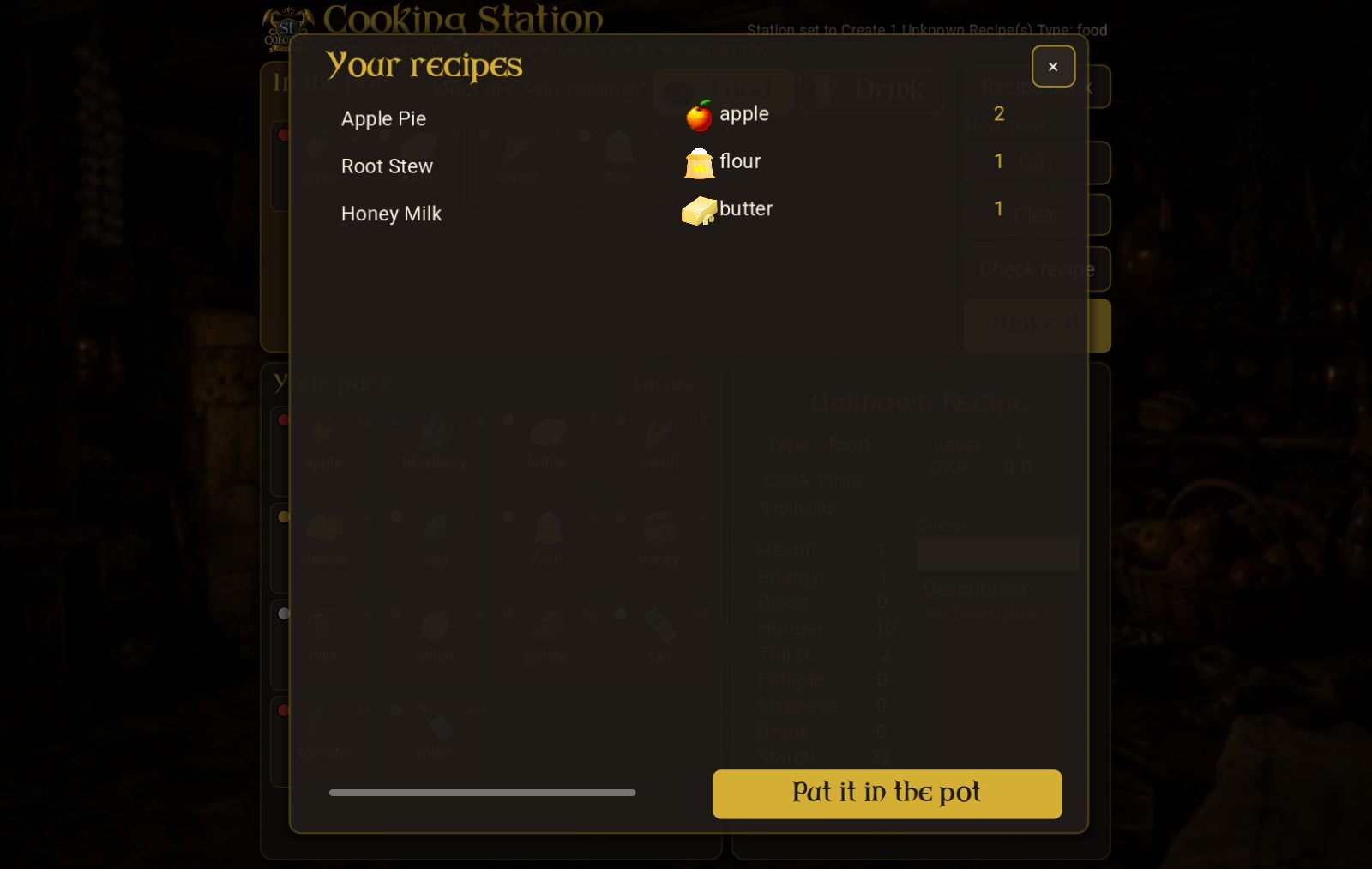
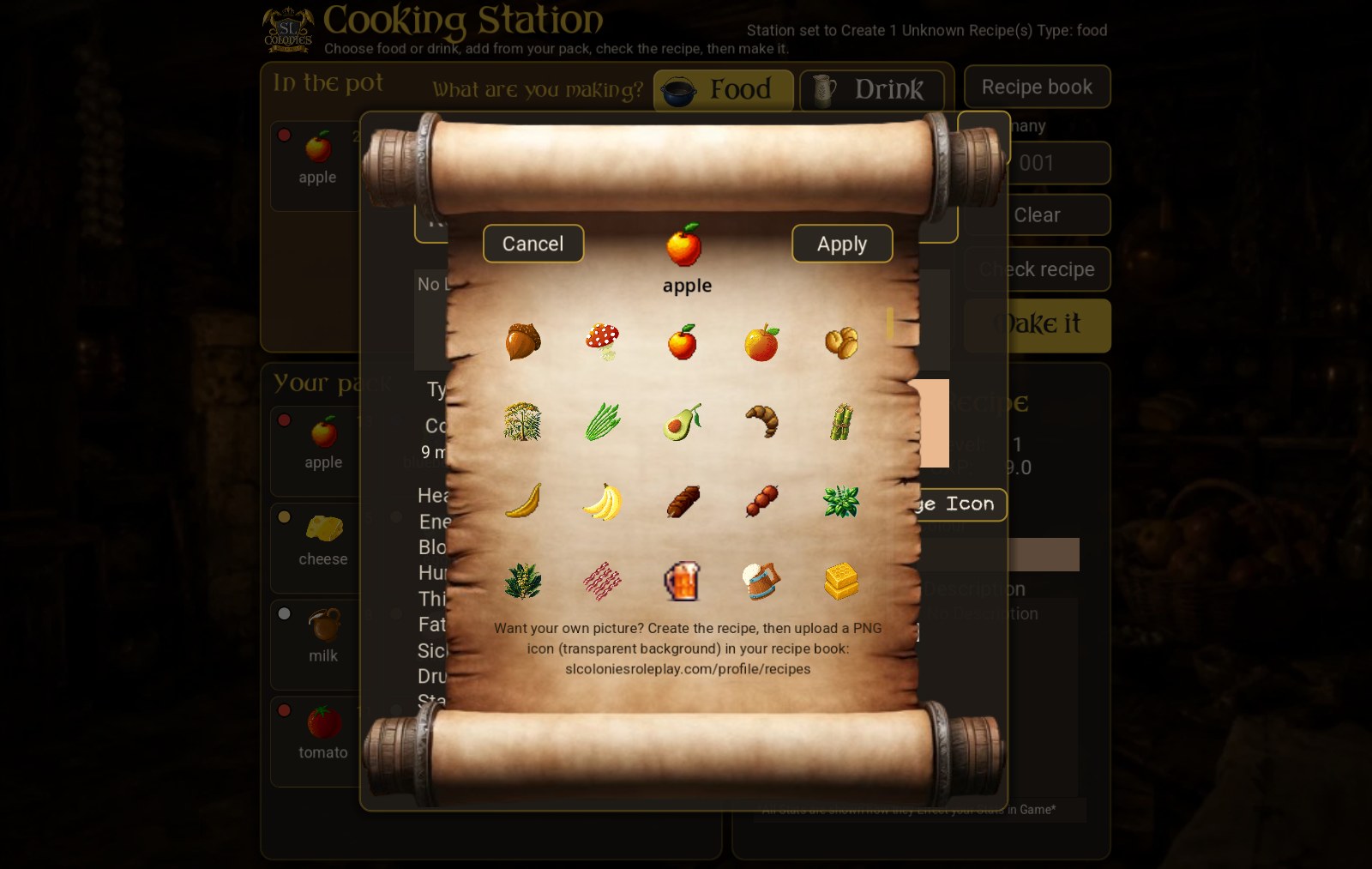
Your own icon for a recipe you invent. Pick one of the stock icons when you create a recipe. Or, once the recipe exists, upload a PNG of your own (a transparent background works) in your recipe book on the website: Your recipe book — SL Colonies Roleplay . With the updated crafting station script, the bench sends you that link the first time you craft a brand-new recipe.
Alchemy Station
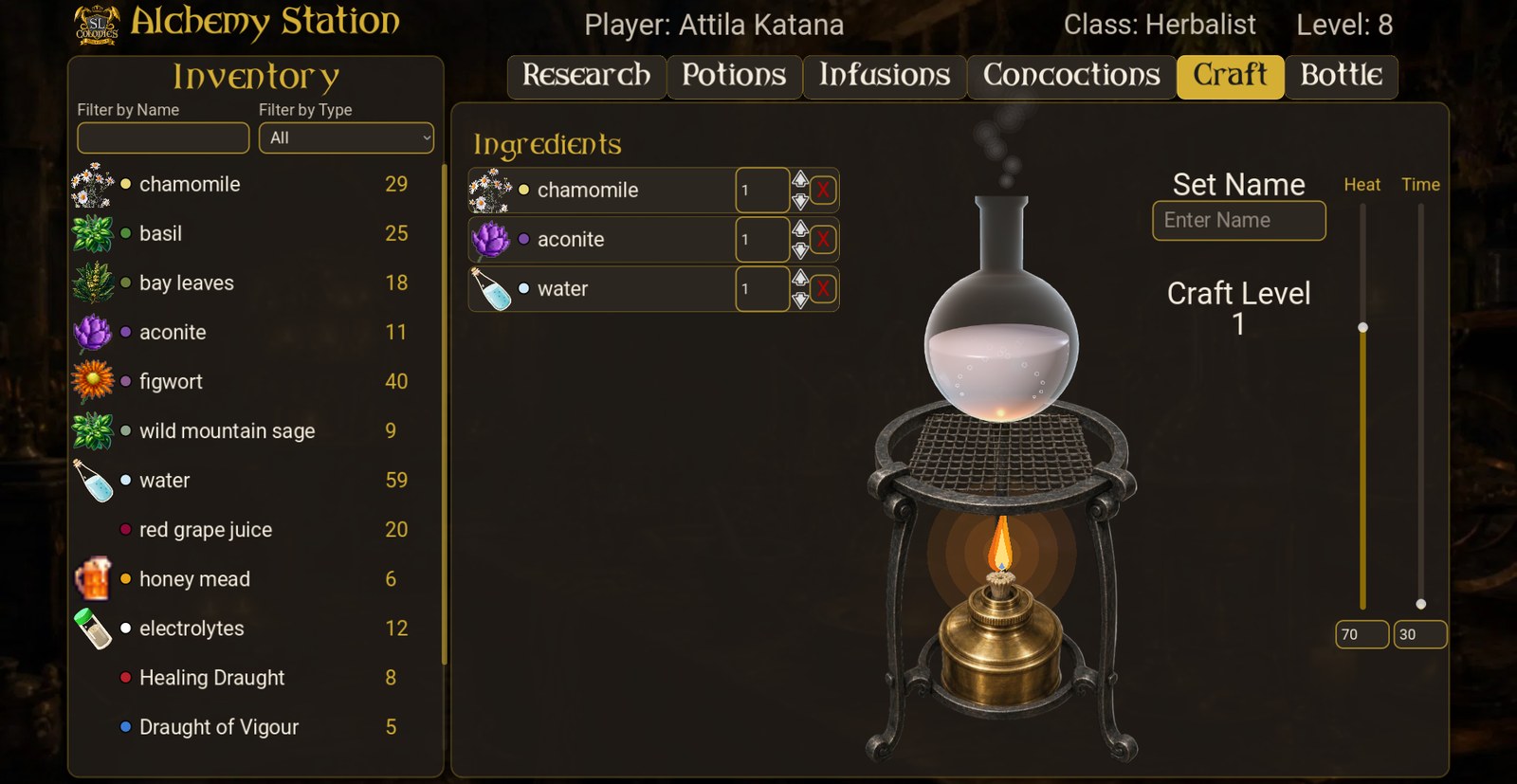
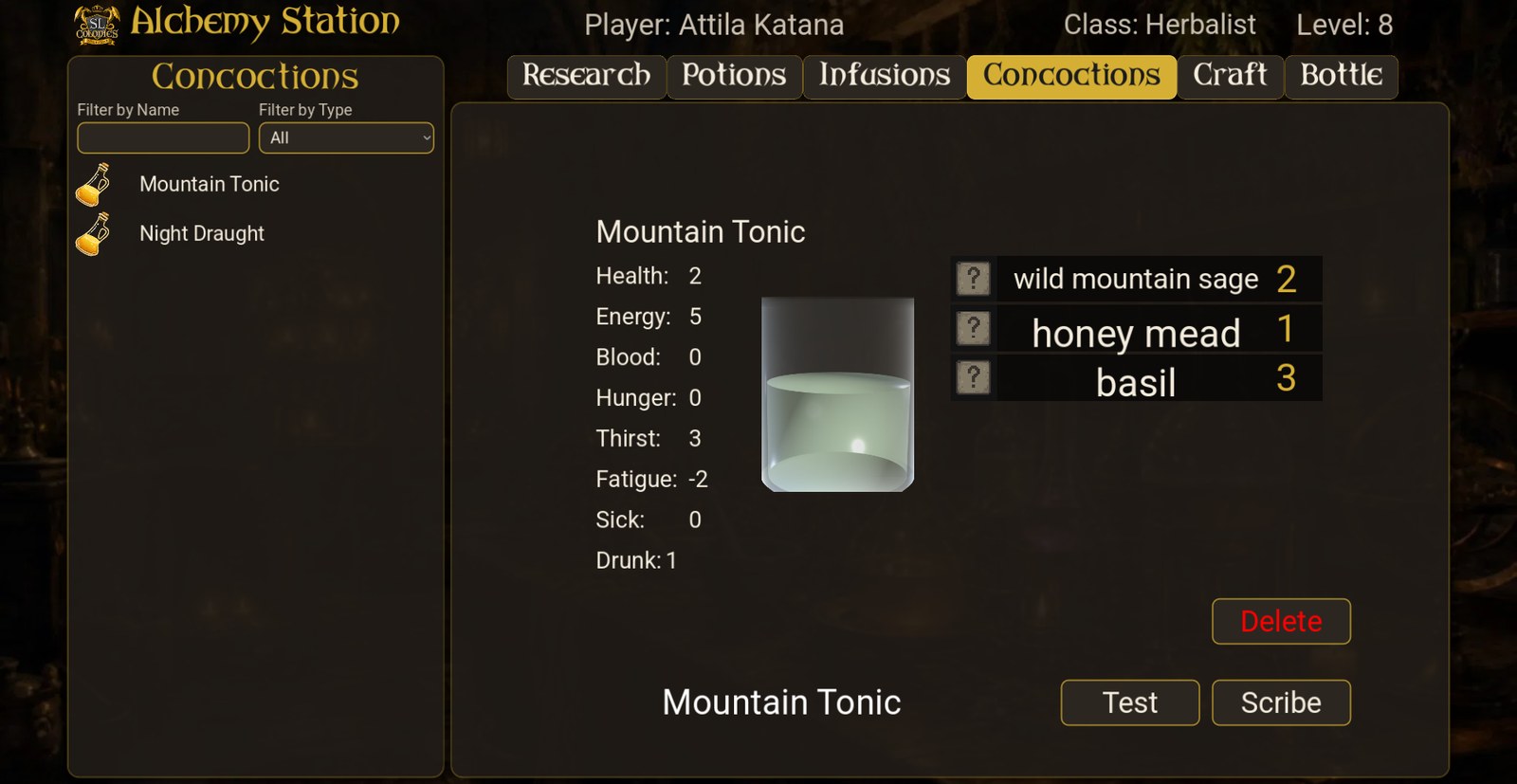
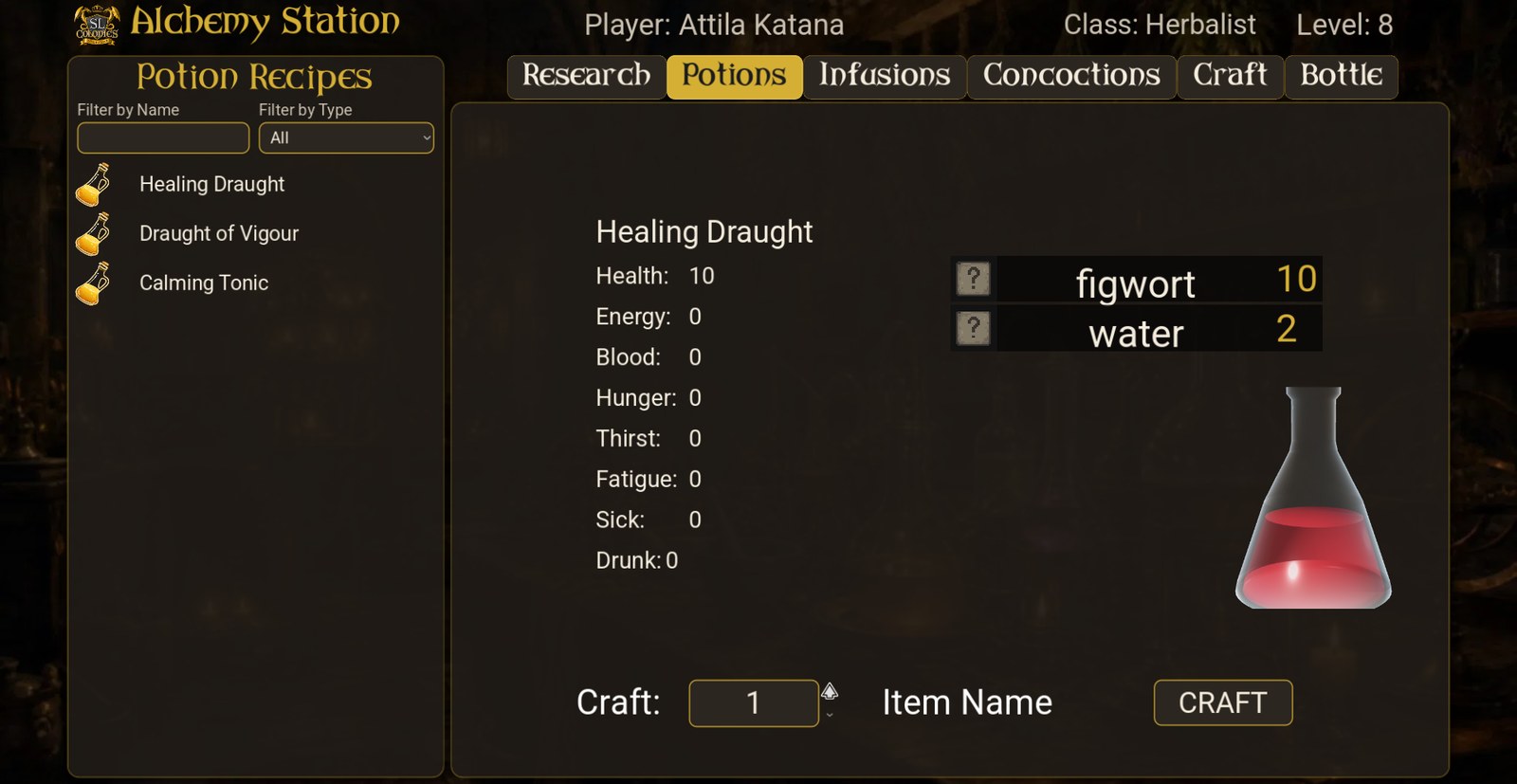
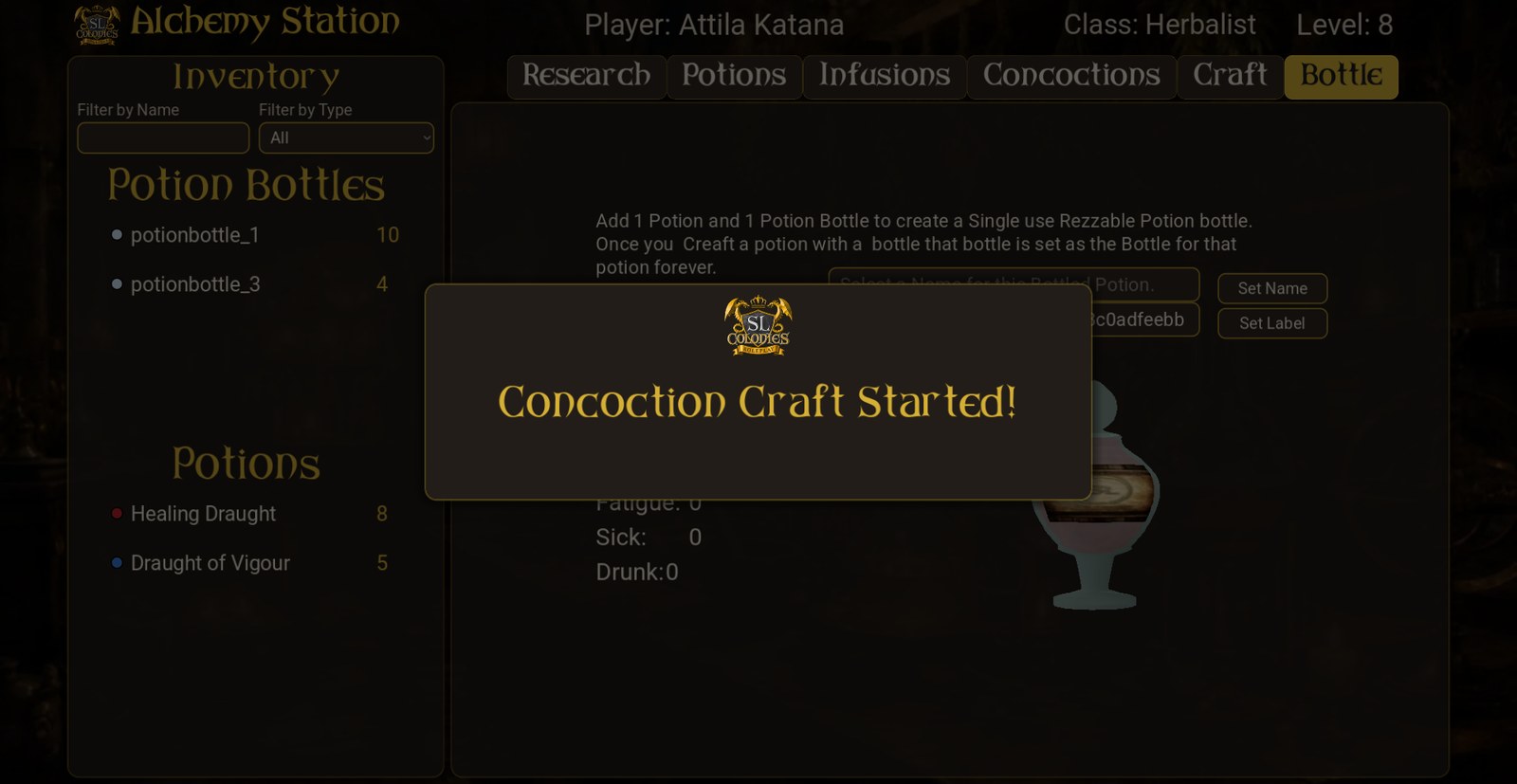
- Real glassware. Potions, Infusions and Concoctions show 3D lab glass (a flask, an Erlenmeyer, a beaker), filled with the colour of what you’ve chosen.
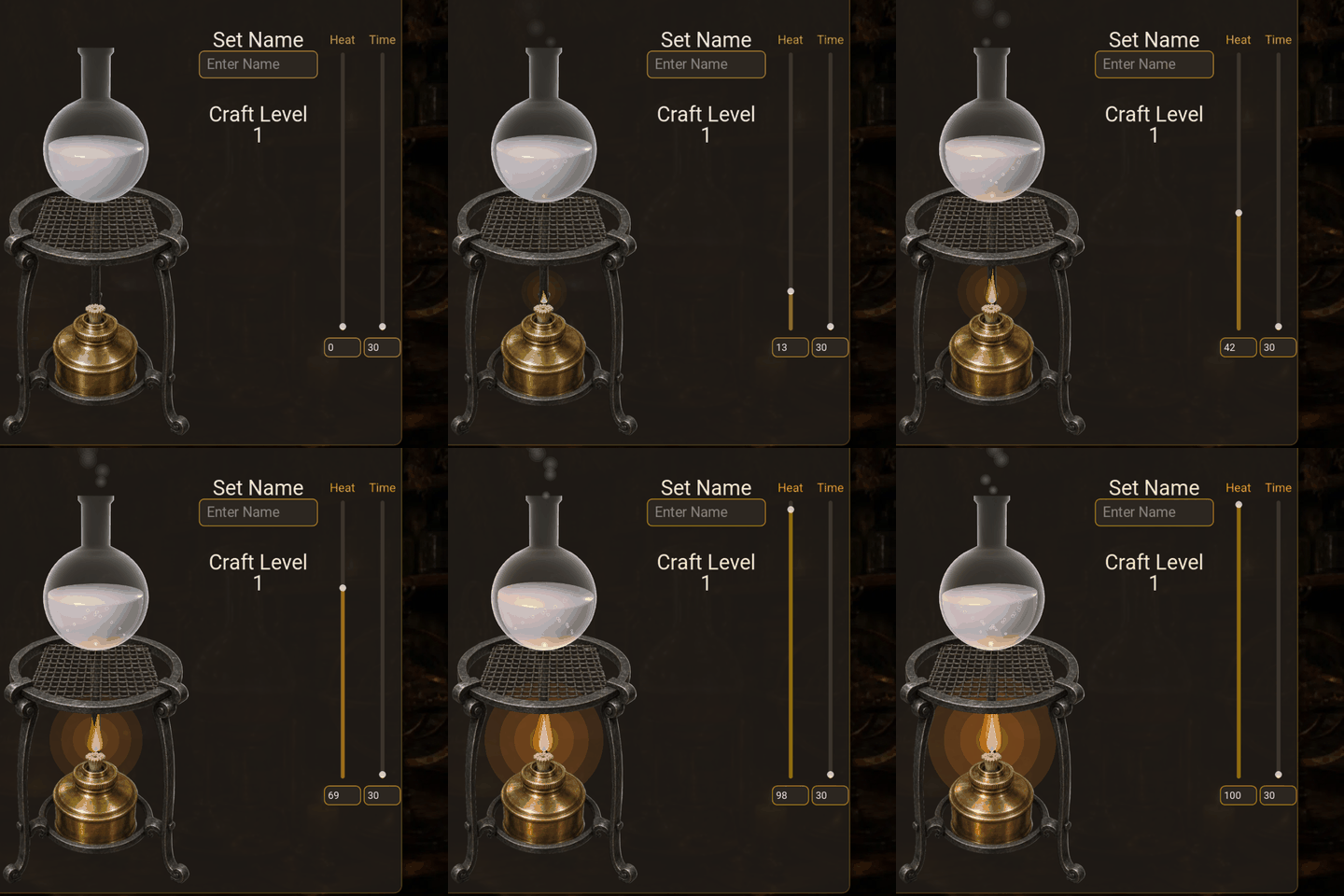
- The burner is the Heat setting. On the Craft page, turn the Heat up and watch the flame grow, the flask warm from below, then bubble and steam.
Fine and Choice herbs
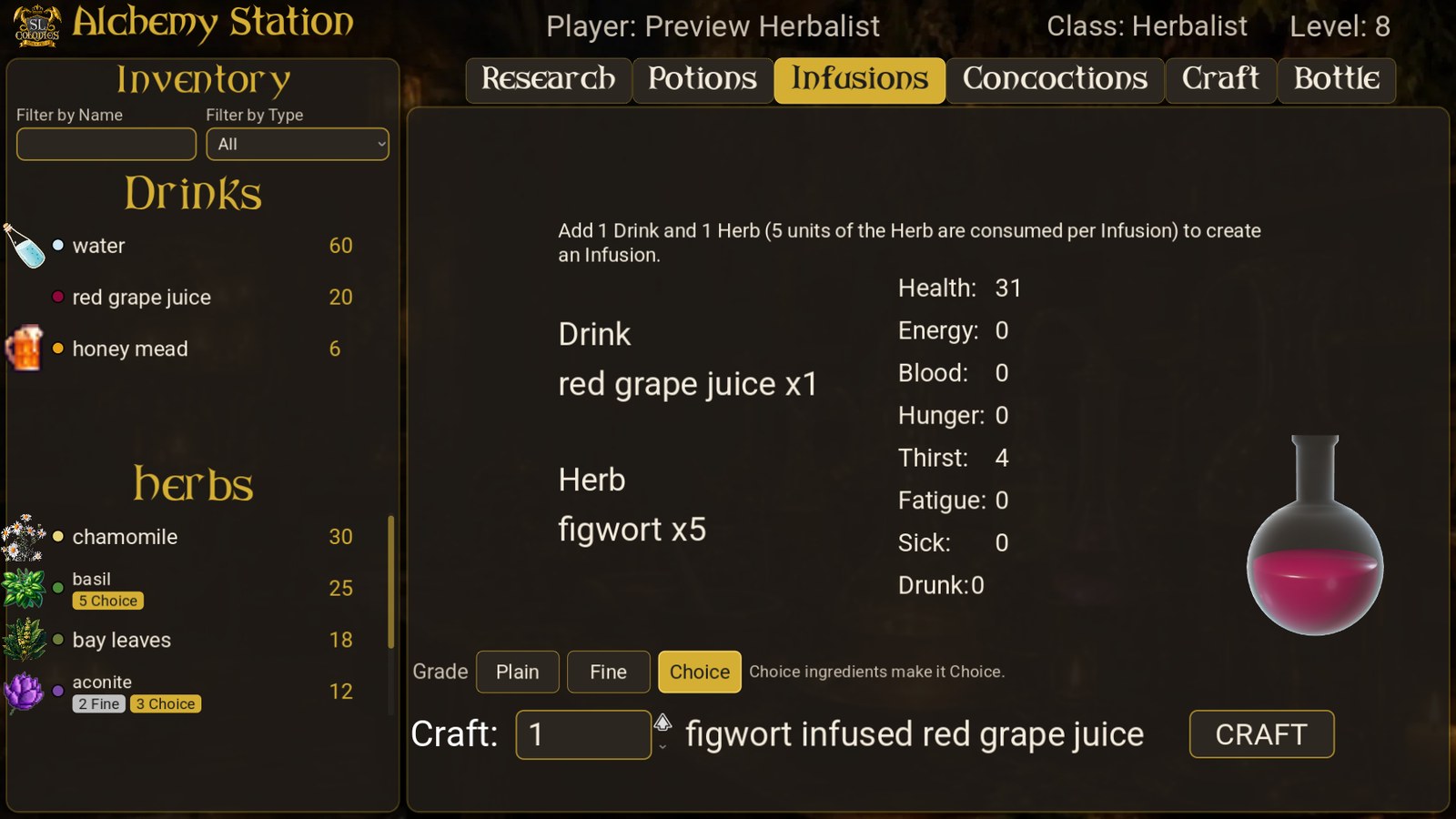
- Your herbs show their grades. Fine (silver) and Choice (gold) counts sit under each herb and liquid in your lists.
- Choose the grade above the Craft button on the Potions and Infusions pages: Plain, Fine or Choice. The app tells you what that makes, or what you’re short of.
- Infusions take 5 of the herb to 1 of the liquid, so a Choice herb makes a Choice infusion.
- Potions follow the same rule as cooking: at least half of the recipe must be herbs or other ingredients that carry a grade.
- Better potions. A Fine potion restores 10% more when you drink it, and a Choice one 25% more.
- Your station needs the update. One that can’t make Fine or Choice yet says so, and still crafts plain as always.
Mash Tun and Fermentor
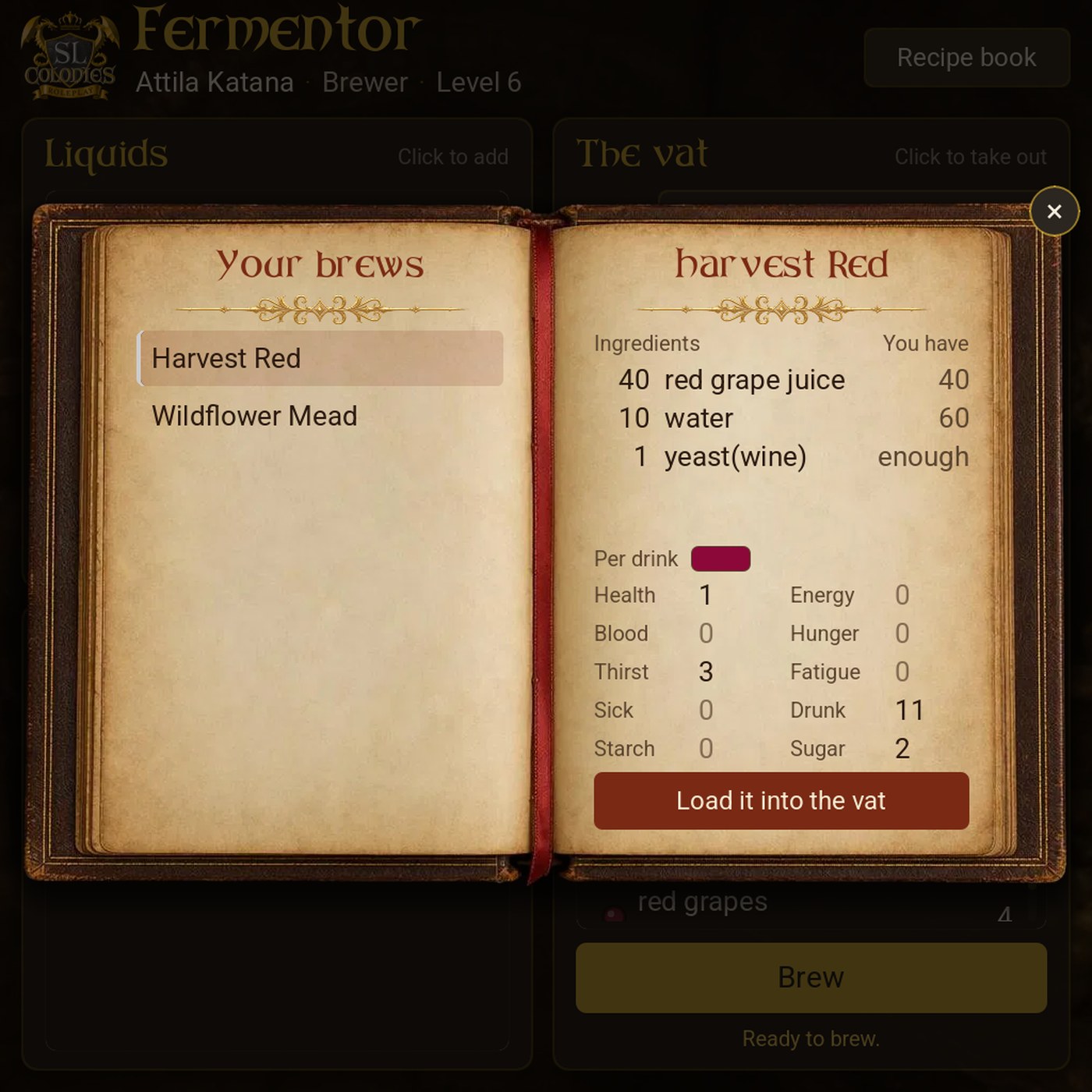
Both brewing apps are rebuilt from the ground up, with every feature the old ones had, and they now understand grades.
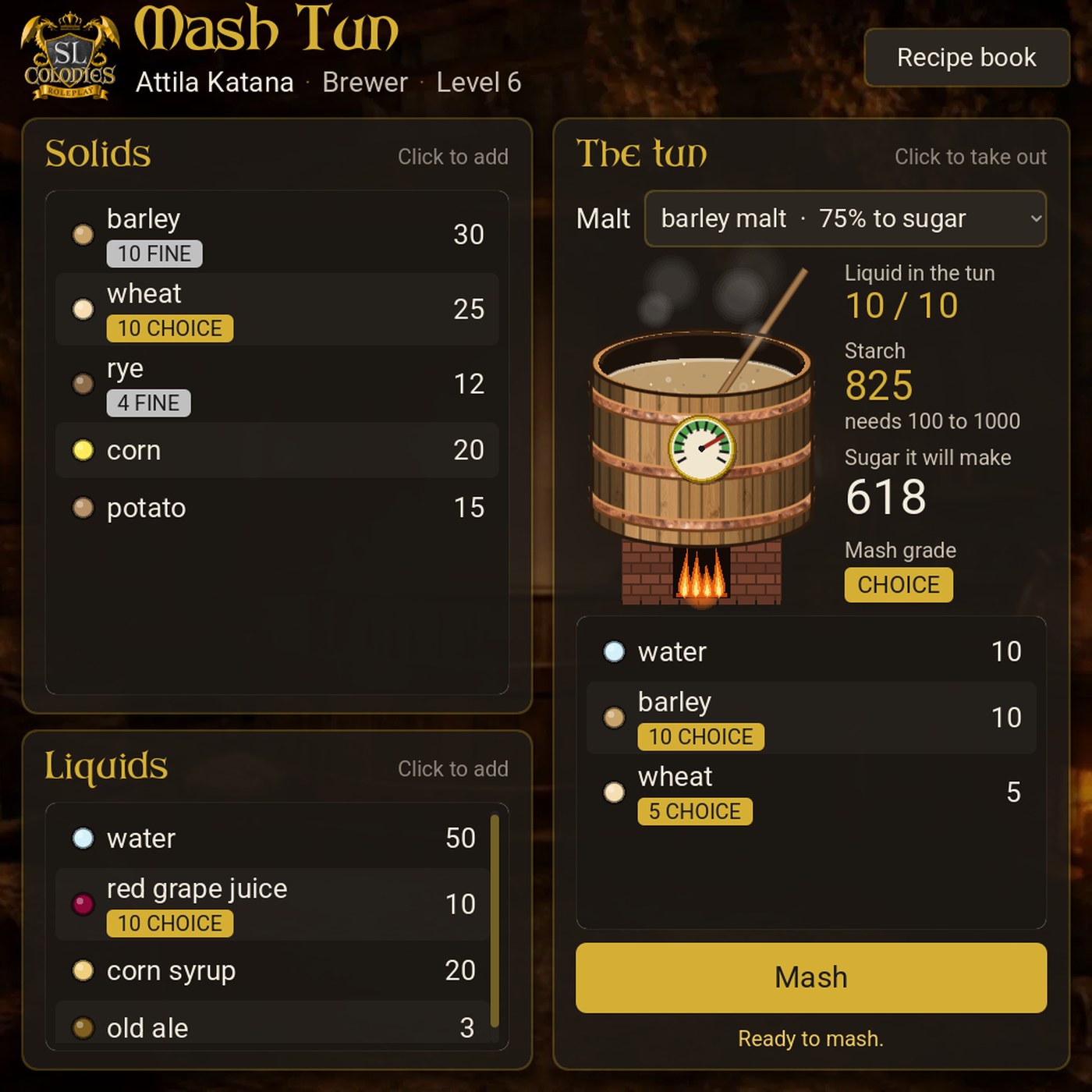
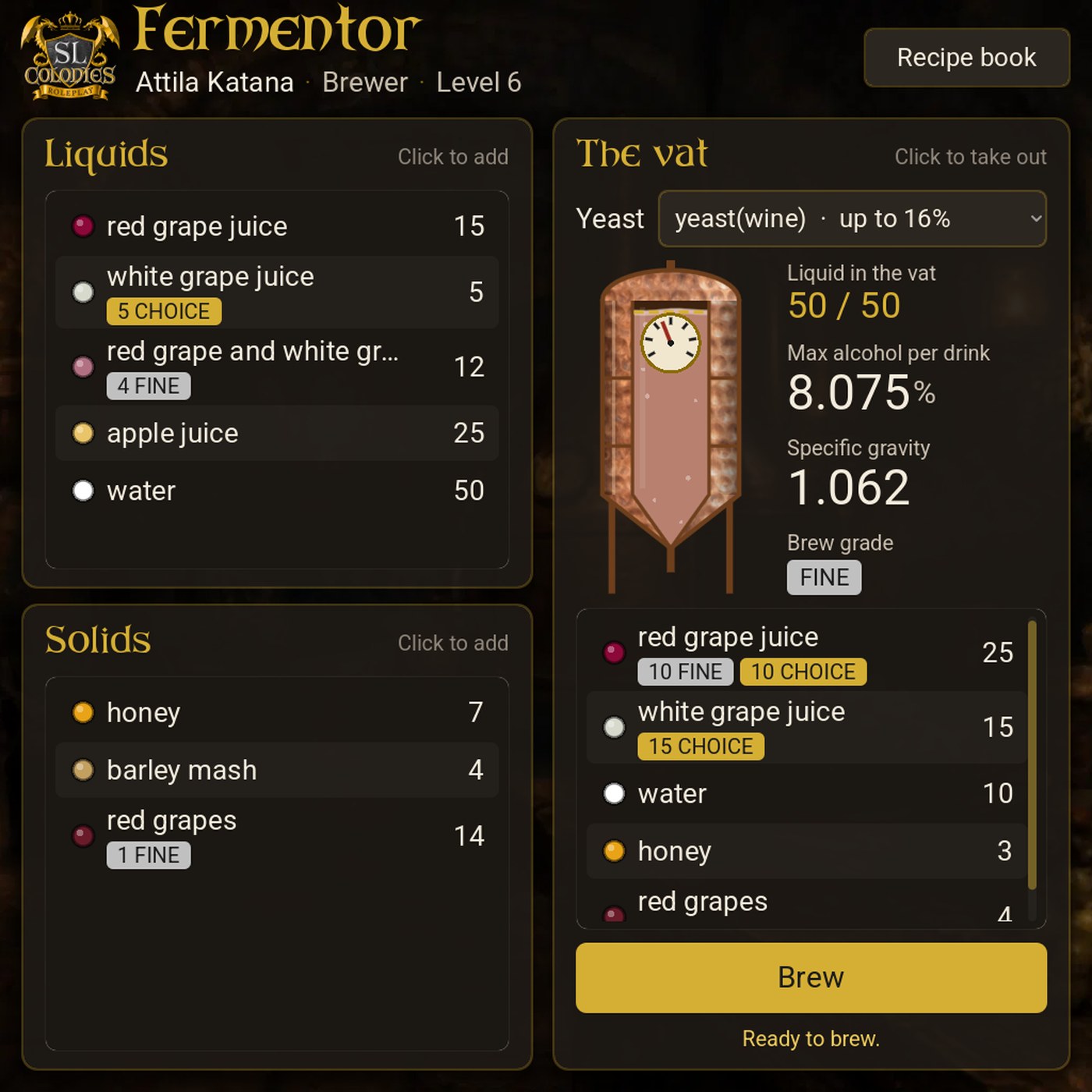
- See your grades. Fine and Choice stock is marked on every ingredient in your pack.
- Choose what goes in. Pick which grade of each ingredient to use; the app takes it from your stock.
- Know the result first. The mash or brew grade is shown before you start, beside its sugar, alcohol and colour.
- Better to drink. A Fine drink restores 10% more and a Choice one 25% more, from your HUD, best first. Potions too.
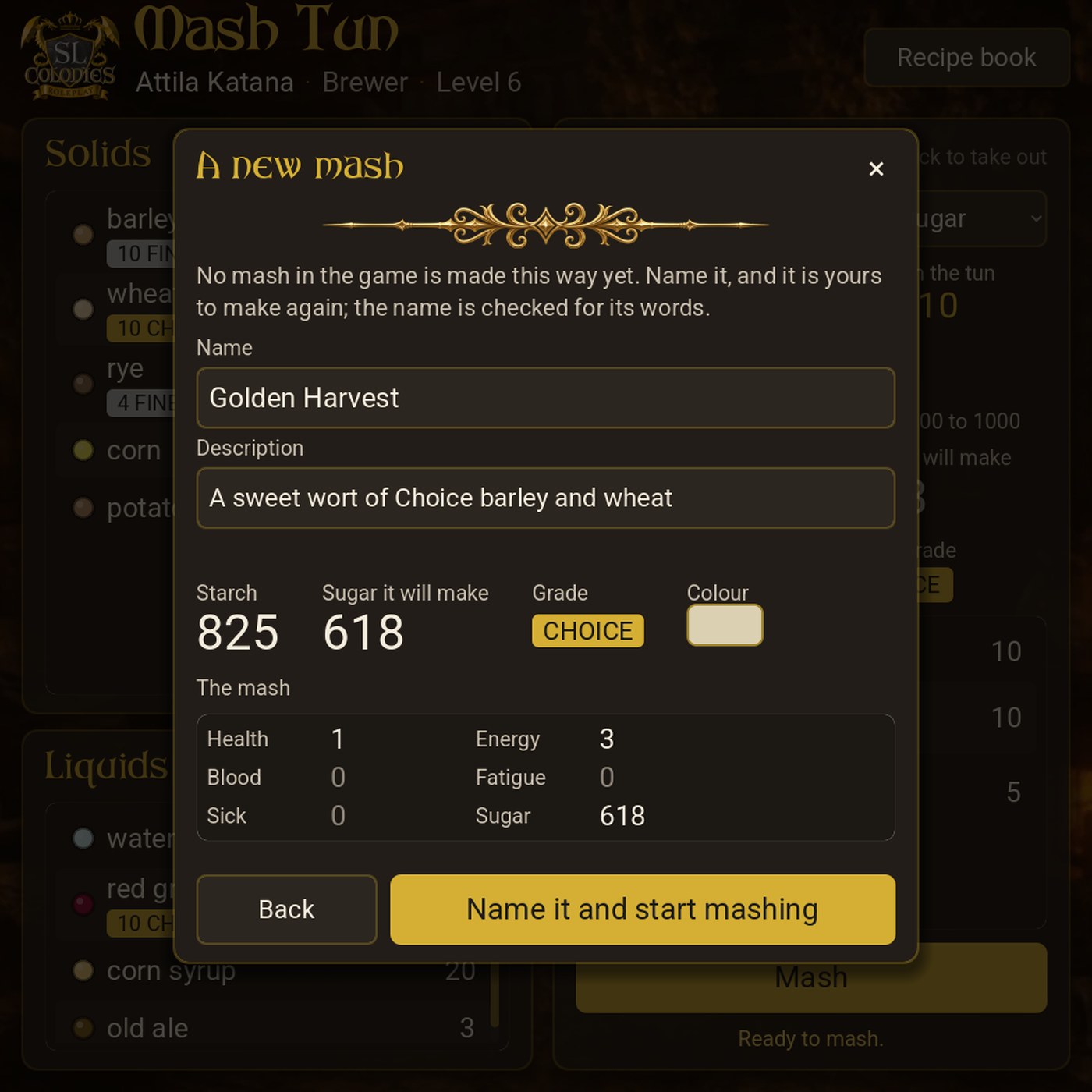
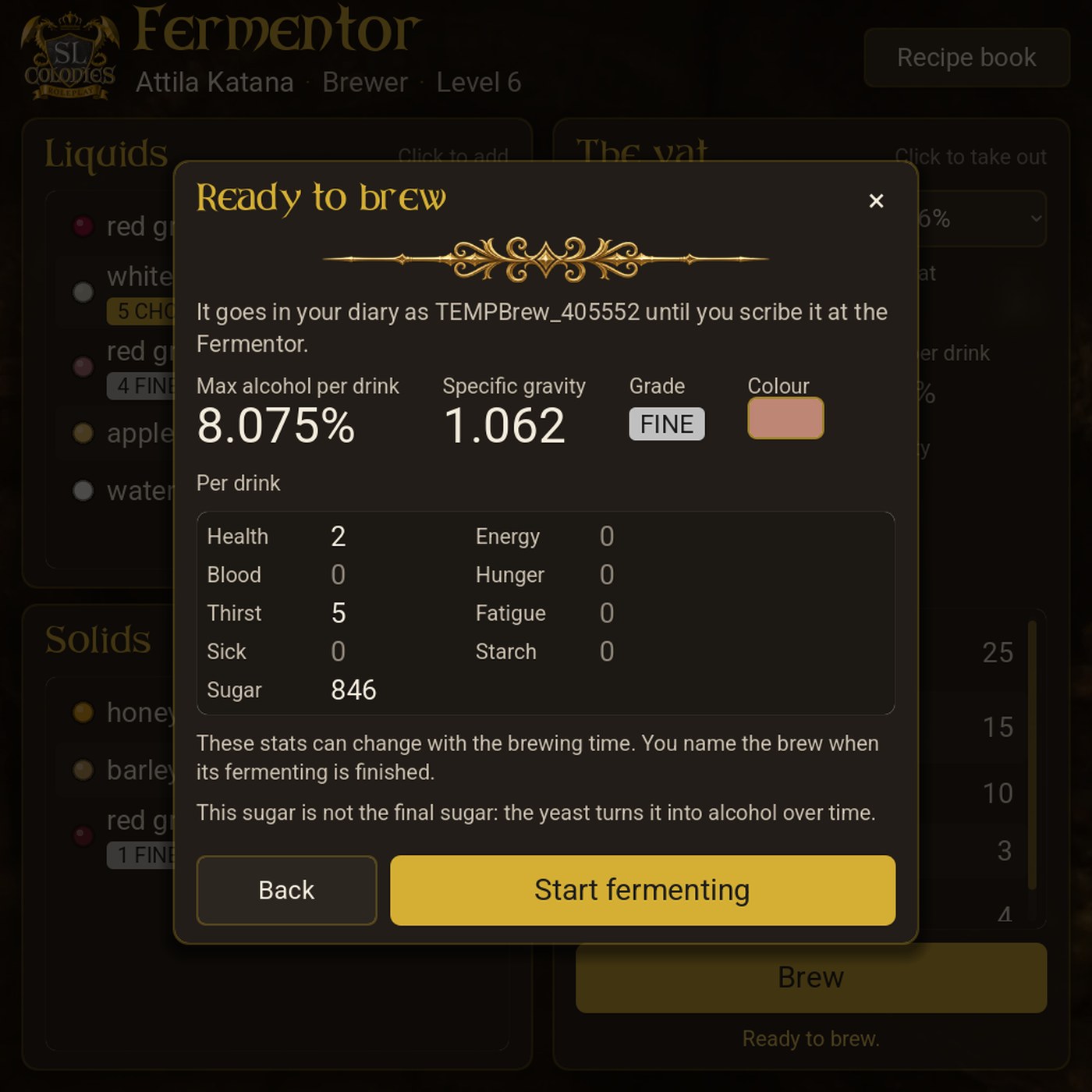
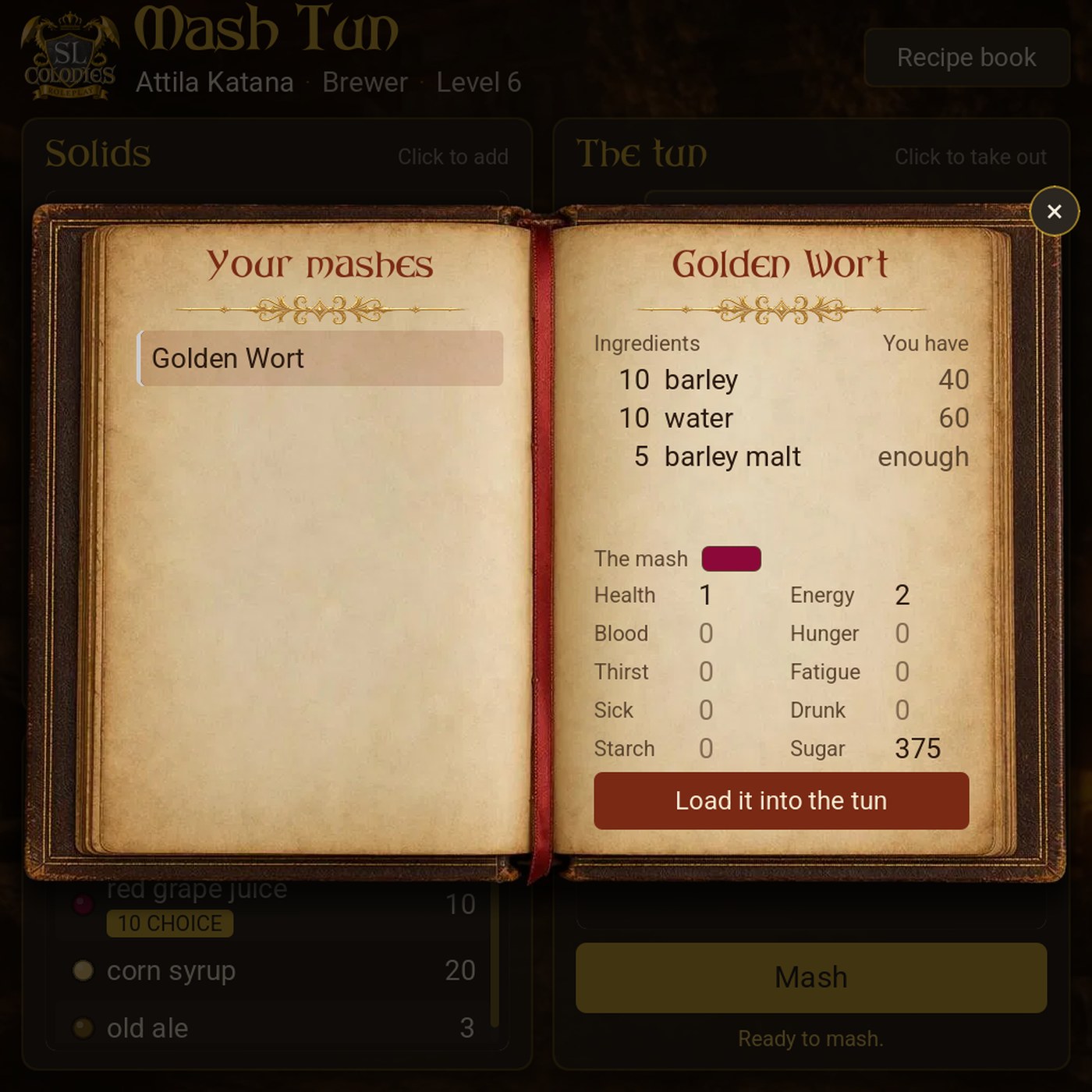
- A recipe book that does the work. It shows what each recipe needs beside what you have, and Load it into the tun / vat fills it for you.
The station scripts (in the updater)
- Crafting Station: every craft sent from an app is checked by the bench with a one-time code, so it can’t be replayed or faked. A brand-new recipe offers you the icon-upload link.
- Distiller, Aging Barrels and Bottling: choose the grade you put in (or a named mix), and your spirits, aged drinks and bottles come out with that grade. The brewery now carries grades from the first mash to the bottle.
- Better names: spirits, aged drinks and bottles accept apostrophes, hyphens and accented letters, and the stations tell you plainly when a name can’t be used.
Why now: Field Caring and Grafting
Field Caring is next. You’ll tend your fields and vineyards in-world, and well-kept fields will harvest Fine and Choice crops. Every station above already understands those grades, so the care you put into a field carries all the way through: from grain to mash, juice to wine, wine to spirit, barrel and bottle, and from vegetables to a Choice stew.
A grade never locks you out. Graded crops are the same items you know, with their Fine and Choice counts kept on them. A recipe that asks for red grapes or wheat takes them whatever their grade. Quality is a reward.
Grafting follows. The Grafting Table will open its own in-world app, built the same way as these four. Today’s work proves that engine across our busiest stations first.
If anything looks off, please reply here with a screenshot. If an app still shows the old look, close SL’s browser window and touch the station again.
Happy crafting!