I’m trying to craft a bed, but the blanket isn’t showing up in the pop-up menu as an item I can add. I was able to add all the other required parts, but the blanket is the only one missing. I have two blankets in my inventory, and my Furniture Station is updated to the latest version.
Interesting.
Can you take a look at this video and see if where you are trying to add a blanket is at the same step?
Have you added sheets to your mattress during the building as well?
There are 5 parts to the bed:
Foot board, head board, mattress, sheets, blanket.

I followed all the steps in the video, I started with headboard, then footboard, then bedframe, then sheets. These are the two blankets I have in my inventory:
Dark Gray linen blanket
Dark Sea Green cotton blanket
Ok, I have tested this for myself and can confirm I am also getting this issue with any blankets. It is as if blankets just aren’tan option during the bed crafting.
I am looking into this now and will have a fix soon!
Fixed! 
Thanks for the clear report @kaia.sachin, and for the patience — this one turned out to be nothing to do with your inventory or your blankets. Both of yours were perfectly good.
The problem was in the Furniture Station itself. The station decides which part types it can offer you from the components built into it, and the blanket component had gone missing from the version that has been going out for a while now. So no matter what blankets you were carrying, the station had no way to offer you the option. That is also why it looked like blankets had been removed from the game — they hadn’t, the station just couldn’t see them.
What you need to do: your existing station can’t repair itself with a normal update, because the missing piece isn’t a script. You’ll need a fresh one:
- Come to the main store.
- Rez your Furniture Station directly on top of the Update Station rezzer.
- That swaps it for the new version, with the blanket option restored.
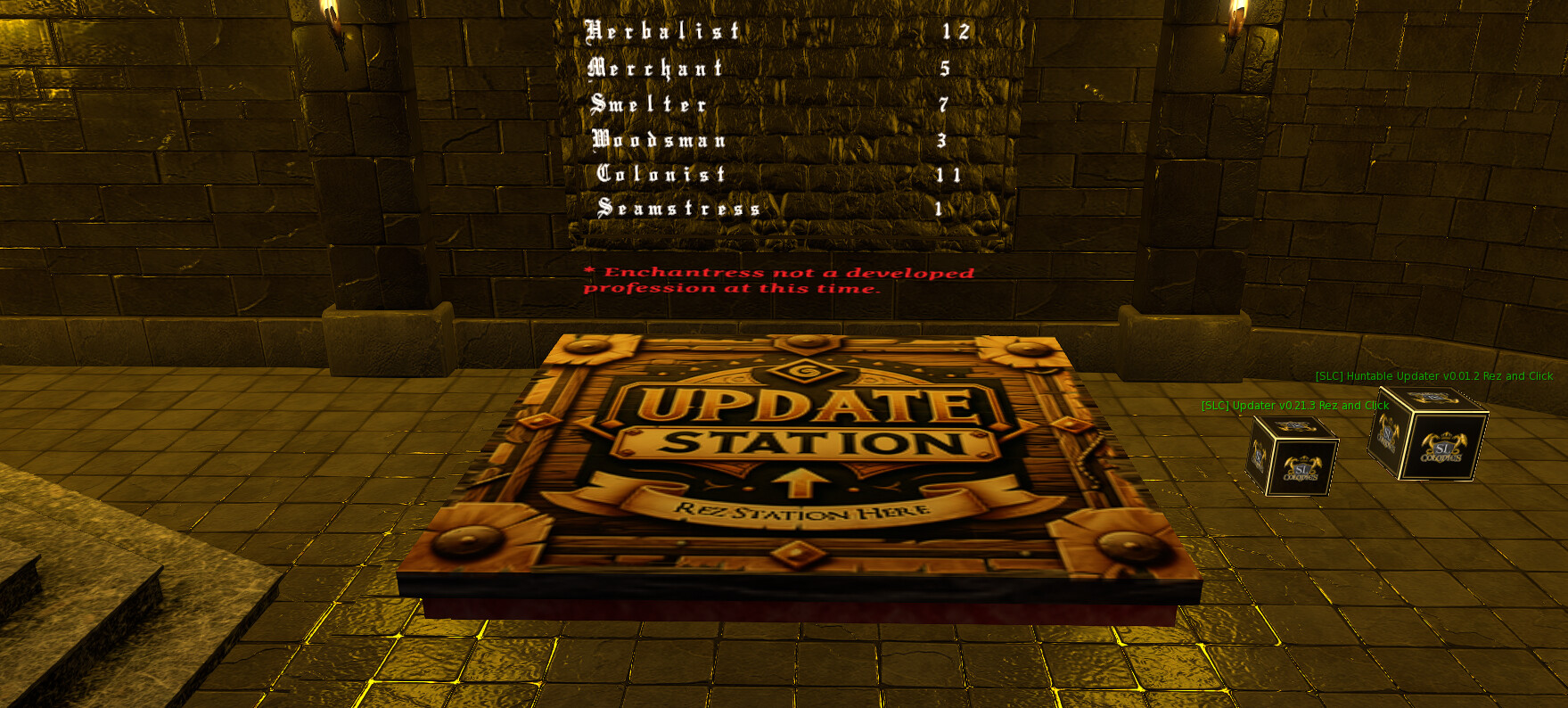
Take the new station home, rez it, and blankets will be there with the rest of the parts.
While you’re there, a reminder on beds — all five parts have to be loaded before the station will let you preview and craft:
- Head board
- Foot board
- Bed frame
- Sheets
- Blanket
If any one of them is missing, the craft option simply won’t appear, which is what made this so confusing to diagnose. Once you do start it, a bed takes about ten minutes to finish.
One last thing: if you put together a combination of parts nobody has made before, you’ll be asked to give it a name — that’s normal, and it means you’re the first to discover that bed. 
Let me know how you get on!
Thank you! I have the updated Furniture Station now. Before exchanging my old one, I picked up the headboard, footboard, and bedframe, so they’re currently in my inventory. Is there a way to get them back into Virtual so I can use them to craft a bed?
Those were just temp Rez objects that aren’t from your inventory. You can delete those safely.
They are only visual displays.