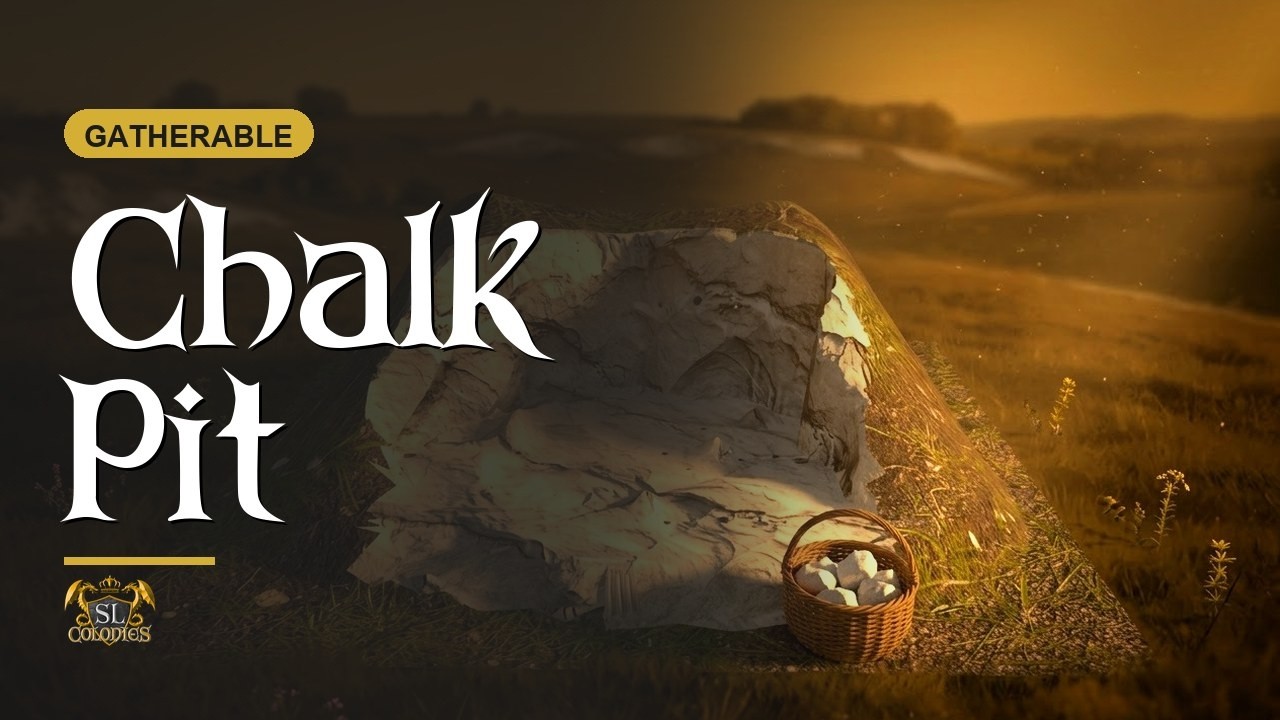
The chalk pit is where the Farmer’s lime starts. Dig it with a small basket and you come away with chalk, which the Compost Bin turns into the garden lime that sweetens sour soil.
What it feeds
Chalk has one destination: the Compost Bin. Packed with dung into a large bag, it becomes the two kinds that raise a field’s soil pH:
| Kind | A batch of ten | Time | What it does | Farmer level |
|---|---|---|---|---|
| garden lime | 20 dung + 20 chalk + 1 large bag | 35 h | lifts the soil’s pH by half a point | 2 |
| fine garden lime | 20 dung + 10 chalk + 10 wood ash + 1 large bag | 50 h | lifts the pH by a fifth of a point | 4 |
Their opposite, sulphur mulch, lowers the pH, and it is made from the sulphur the Smelter leaves behind. Between the two, a Farmer can move soil either way.
A vineyard’s soil starts a little too sour for grapes, so garden lime is the kind every vintner will want first, and a Farmer with a chalk pit has something to sell.
The Compost Bin tutorial is here: [CRAFTABLES] Compost Bin
The tool
You cannot dig chalk with your hands. The tool is the small basket. Click the pit without one and it tells you no small basket was detected.
- Get tool small basket from your HUD puts it in your hand.
- Use tool small basket takes it out, ready to work.
Each dig uses one durability from the basket.
Tools only run on a region with an SL Colonies region server on it.
Gathering
Walk up to the pit with the basket out and left-click it.
- About 45 seconds to gather.
- 10 energy per gather.
- 2 to 6 chalk per gather, chosen at random.
- About one dig in five turns up a rock as well.
Then the pit is spent. It disappears and shows how long until it is back: it regrows in three hours. So a pit is a stock to manage rather than a tap to run, and more than one pit is how a Farmer keeps up with a busy compost bin.
The timer and the yield are what they are today, and they may be tuned.
Making it match your land
The chalk pit is fully modifiable.
- Two faces, two textures. The white chalk and the turf around it are separate faces. If the grass does not match your terrain, choose Select Face in the edit window and re-texture the turf to suit.
- Or bring your own mesh. Unlink it and link your own mesh in its place, keeping the original as the root.
Spawn points, for the owner
Hold down left-click on the pit to open the owner menu, then choose Spawn points.
- Set a point anywhere you like on the same region, in any position and rotation.
- Set as many as you want.
Each time the pit regrows it comes back at one of those points, picked at random, so nobody learns a fixed round.
Remove points takes them off one at a time. Picking the pit up and rezzing it somewhere else clears all of them.
The product page is here: Chalk Pit in Second Life — SL Colonies Roleplay