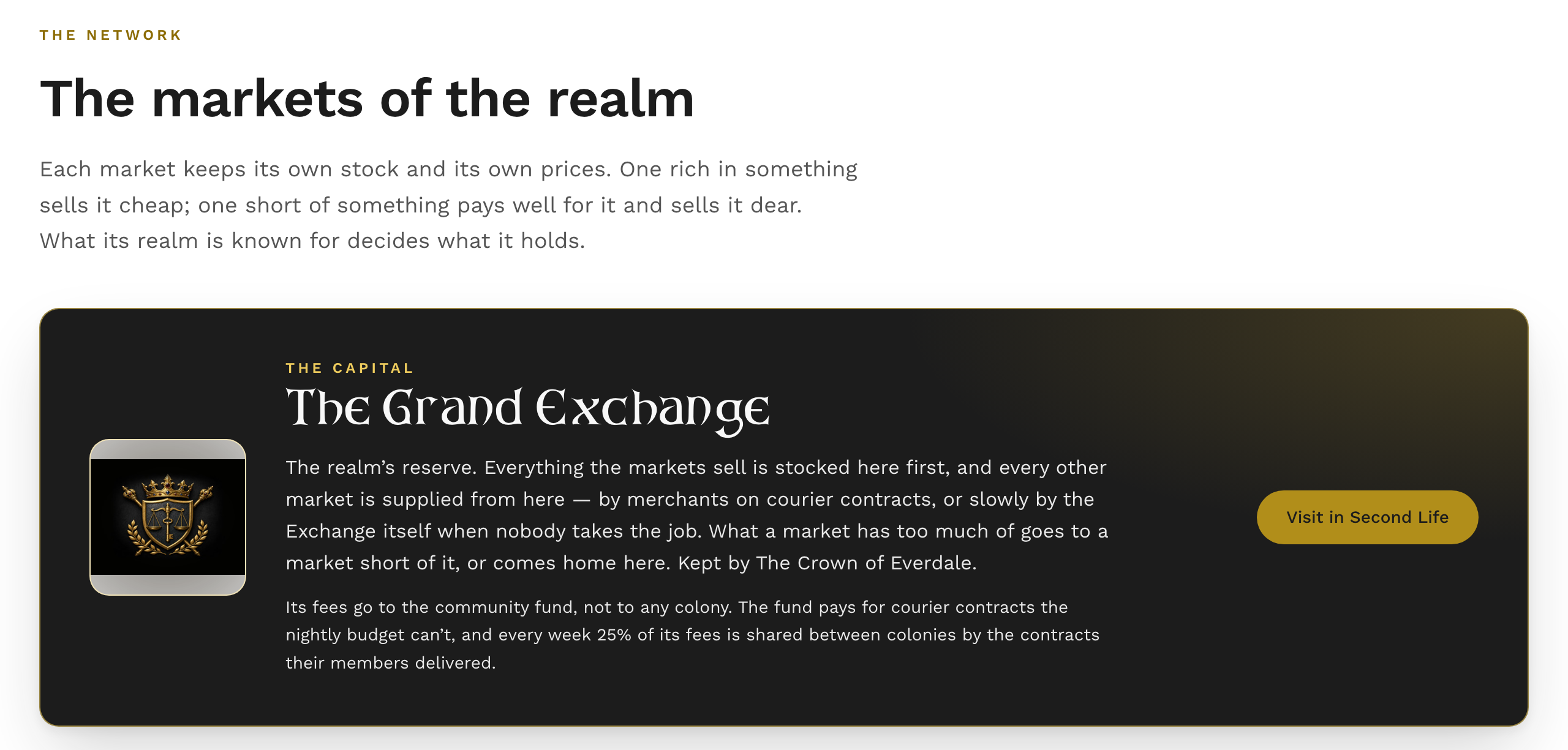
Every realm’s market keeps its own stock and its own prices. One that’s full of something sells it cheap and pays little for more of it; one that’s short of something pays well and sells it dear. Goods move between them on courier contracts that Merchants carry, and every market is supplied from the capital, The Grand Exchange in Everdale.
The whole market is on the website: slcoloniesroleplay.com/market.
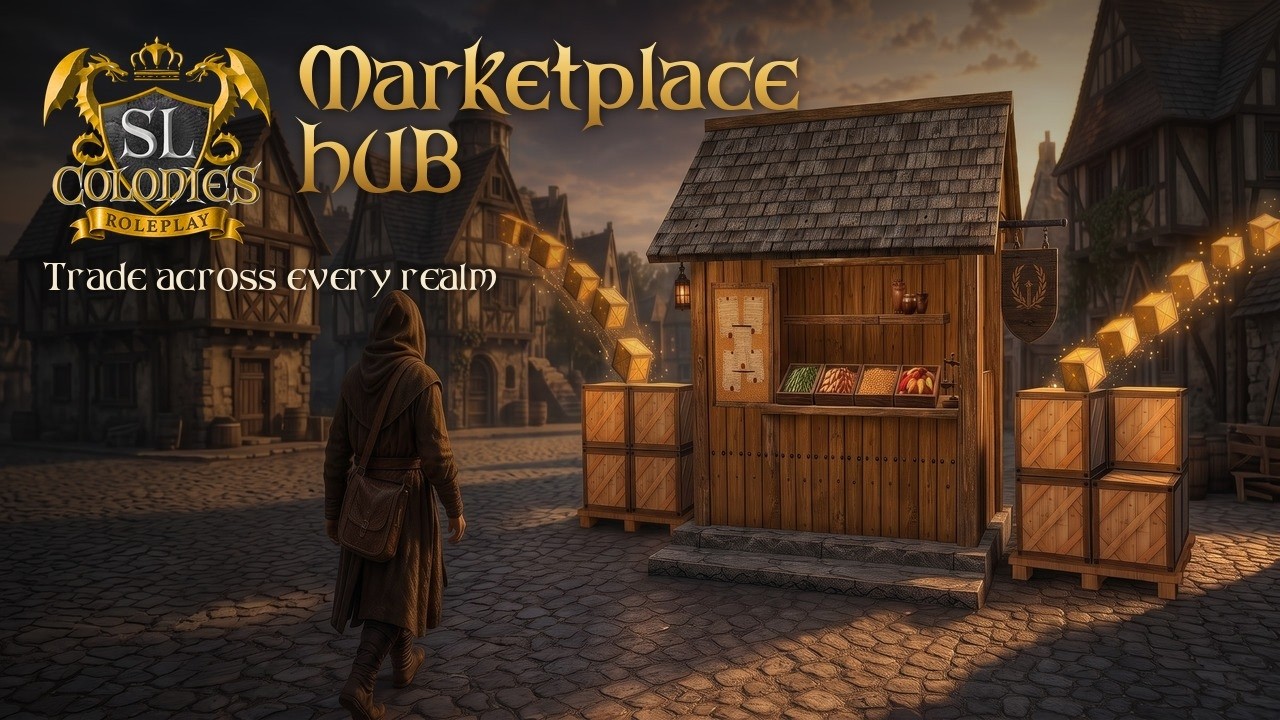
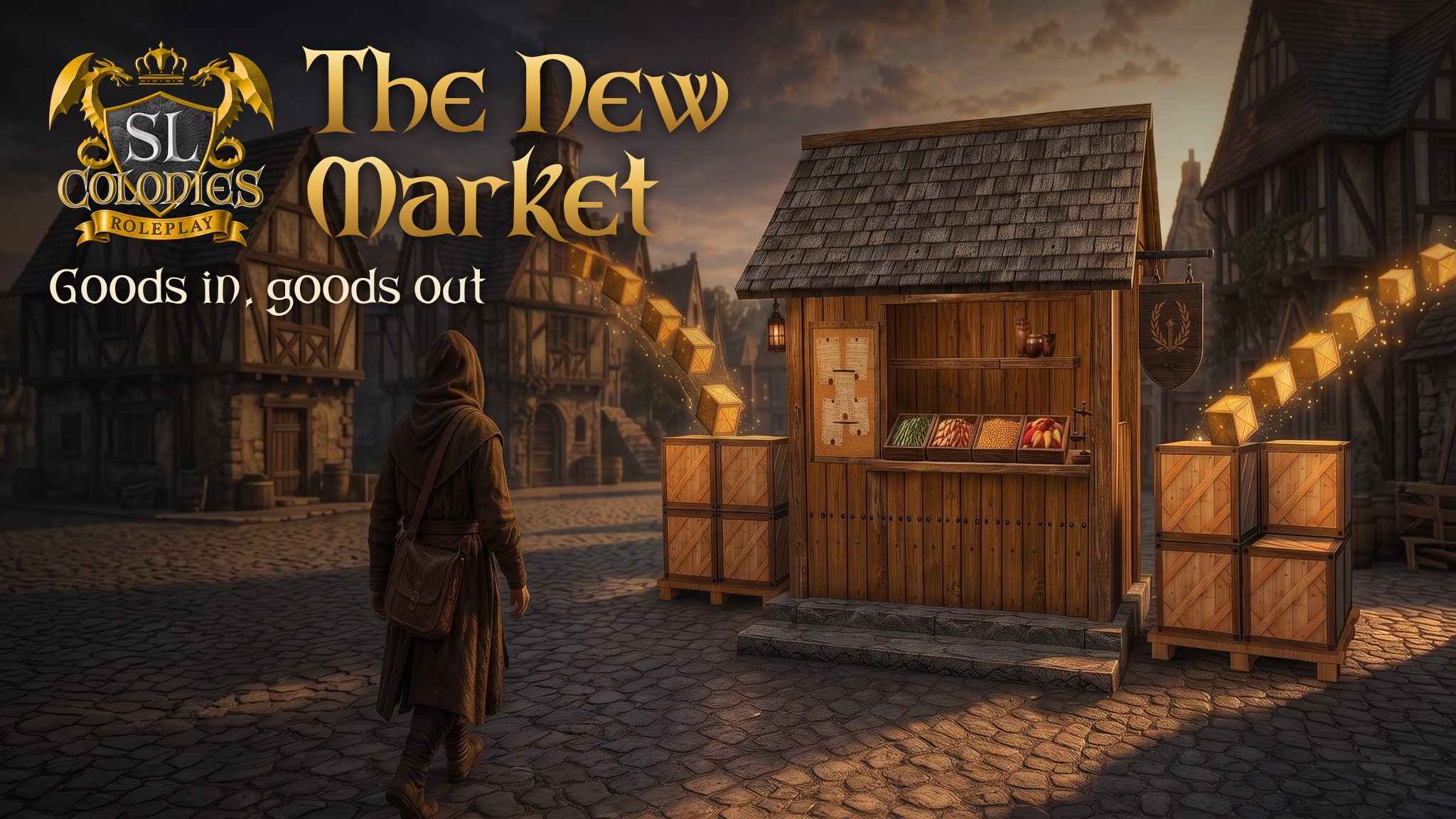
Trading at a market
- Touch the HUB in-world. It opens the market on the website for you.
- You’re signed in as the avatar that touched it. Touch on an alt, and you trade as that alt — its coins and its backpack.
- You can trade for 15 minutes. Touch the HUB again to keep going.
- Stay within 20 metres of the HUB while you buy and sell. Wander off and the market tells you to come back. Nothing is charged for a trade it couldn’t complete.
Reading the market needs none of this: anyone can browse every price from anywhere.
Buying and selling
Everything comes by mail. What you buy, and the coins for what you sell, are posted to your mailbox. Collect them at any SLC mailbox.
Prices are the market’s, not a guess. Every raw material has a set price, and anything made from them is worth its ingredients plus the work, at every stage of its recipe. Cheap goods trade in stacks: the smallest number that comes to at least a coin.
Where you trade changes the price. A market’s own stock moves its prices by up to 15% either way. The page says when a market is short of something (dearer to buy, pays more) or well stocked (cheaper, pays less).
Your discount: Charisma above 10 gives 1% for every 2 points, and each Merchant level adds 1%, up to 25%. It lowers what you pay and raises what you’re paid. Charisma below 10 works the other way.
The market won’t buy:
- currency;
- anything sold for CXP or platinum;
- anything made with platinum;
- the few goods it has no price for.
A shop or a player order can still take any of them.
The /market page
- Goods — find anything, and see where to buy it and where to sell it. Each item has three tabs: Buy and Sell at the market you’re standing at, plus every other market and player shop, cheapest or best first; and Orders, the order book at The Grand Exchange.
- Prices — every good across the network: the cheapest market and shop to buy it from, and the market and shop that pay most for it.
- Markets — every market standing now: what its realm is rich in and short of, and how busy it’s been this week.
- Couriers — the contract board.
Every market has a character
A market stocks more of what its realm produces and less of what it lacks: timber, metal, farming, orchards, livestock, herbs, brewing, cloth, cooking or hunting. This is measured from the realm’s own stations, nodes and fields. A realm that has one of everything comes out even, not top. The mix shifts a little week to week.
The gap between a market rich in something and one short of it is a reason to carry goods from one to the other.
Courier contracts (Merchants)
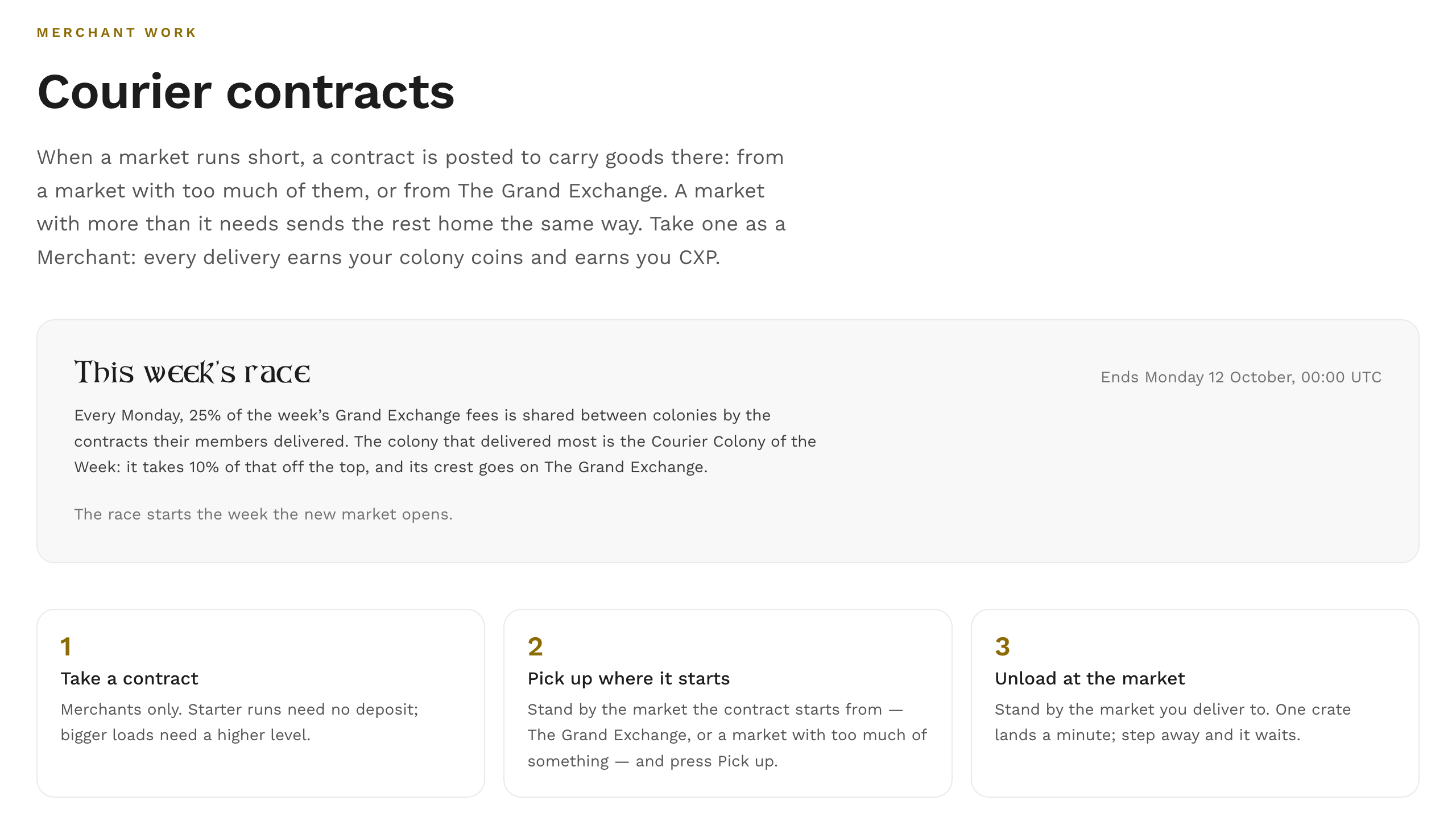
When a market runs short, a contract is posted to carry goods there, from a market with too many or from The Grand Exchange. A market with more than it needs sends the rest home the same way.
- Merchants only. Your level sets the largest load you can take (150 coins of goods, plus 150 a level) and how many contracts a day (3, plus 2 a level). You carry one at a time.
- Deposit: half the load’s value, falling 5% a level to 10%. Small starter loads need none until you’ve failed a run.
- The run: pick up within 2 hours, deliver within 4. At the destination, stand within 20 m and the goods unload one crate a minute. Step away and it pauses, it doesn’t cancel.
- Pay: every delivery pays you coins into your purse and CXP into your Merchant pool. The colony whose market the goods came from earns its market’s share (from The Grand Exchange, that share goes to the community fund), and your own colony earns from the weekly race below.
- Hauling from your own colony’s market pays your colony’s share twice.
- The weekly race. Every Monday, a quarter of the week’s Grand Exchange fees is shared between colonies by how many contracts their members delivered that week, and paid into each colony’s treasury. The colony that delivered most is the Courier Colony of the Week: it takes a tenth of that off the top, and its crest goes on The Grand Exchange for the week. Ties go to whoever got there first. This week’s standings are on the Couriers tab, and every colony that delivered is told how it did.
- Fail or abandon and you lose the deposit. If a market closes or the source runs dry, you get it back. Whatever you already unloaded stays delivered.
The crates and the countdown
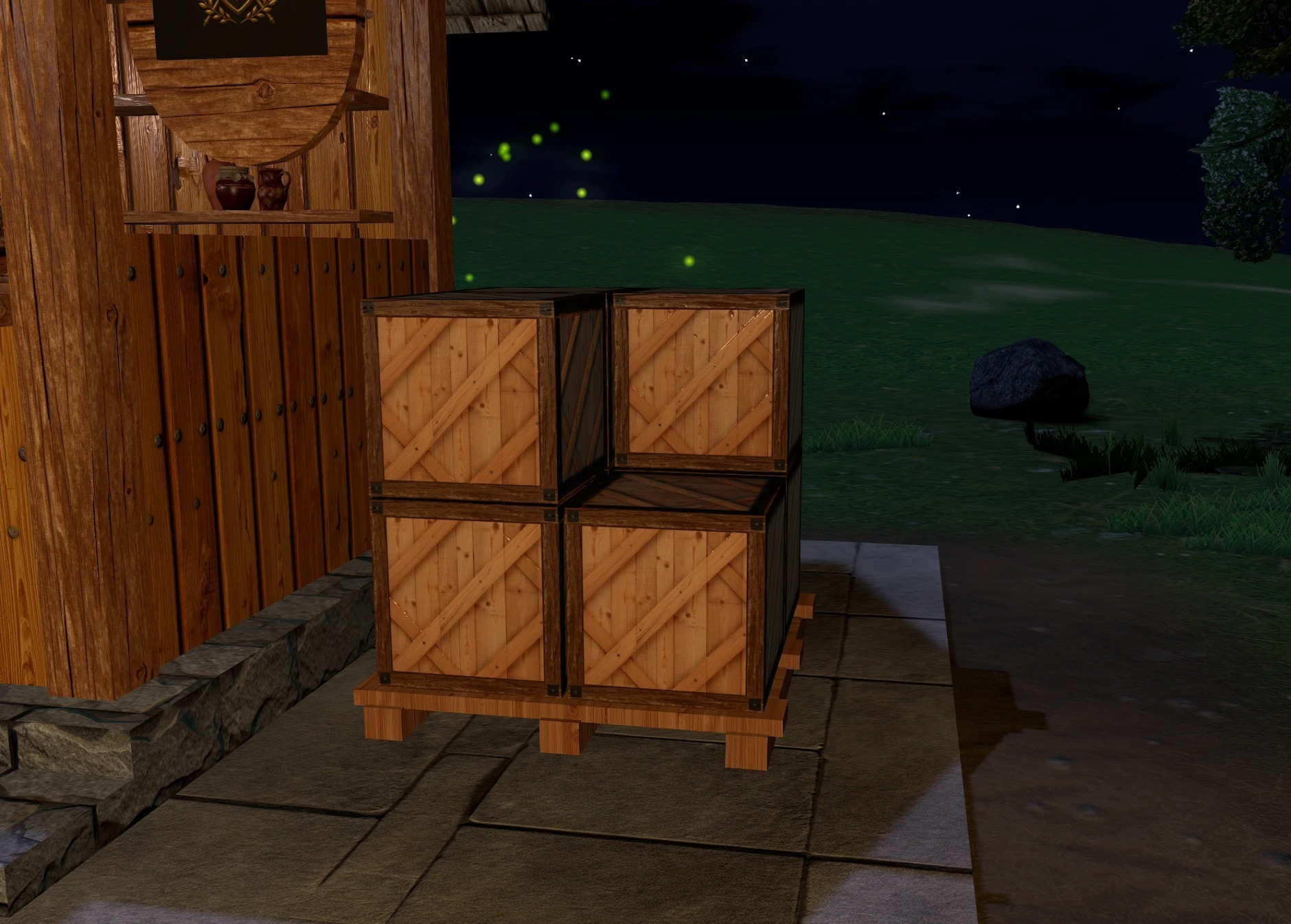
The HUB has a crate stack on each side of the stall, and they move with the market:
- The incoming stack shows how well supplied the market is. A bare pallet means it’s short, and worth a courier’s trip.
- The outgoing stack shows goods waiting to leave, which happens only when a market has far more of something than it needs.
- A brand-new market starts with no crates and fills as couriers bring it what it lacks.
While you unload, crates stream from you into the incoming stack, and a countdown floats above your head: Unloading 3 of 8, next crate 0:42. Press Pause on the website and the countdown freezes until you carry on. At pickup, a burst of crates flies out of the stall to you.
The countdown uses the SL Colonies experience. Accept it when asked and it appears by itself from then on. Decline it, and your contract still works; you just won’t see the countdown.
Player orders at The Grand Exchange
Post what you want to buy or sell, at your own price, and anyone at The Grand Exchange can fill it.
- Placing and filling happen there; you can cancel from anywhere.
- Your side goes in up front: a buy order holds your coins, a sell order holds your goods. Orders fill in part as well as whole.
- They last 14 days. Whatever’s left comes back by mail when an order expires or you cancel it.
- Fees:
- The listing fee is 1%, falling to 0.5% for a level 10 Merchant, at least a coin. It’s never refunded.
- The sales fee is 1% of each fill, rounded down, paid by the seller.
- Order slots: 5, plus 2 for each Merchant level.
- Player-made goods are welcome. Currency and CXP- or platinum-priced goods aren’t.
Colony markets and their fees
A colony that owns a market can set a fee on it, from 0 to 10%, and the fee is paid into the colony’s treasury. A lower fee makes that market cheaper to buy from. The colony needs a treasury before it can set one. The Grand Exchange’s own fees go to a community fund, not to any colony. The fund pays for courier work: it covers contracts on busy nights, and it pays the colonies’ weekly courier bonus.
When a market moves
Pick a HUB up and put it down in the same region and it keeps everything. Move it to a new region and its stock goes home to the capital, and it starts fresh in its new realm.
- To move a market, take the original and rez it. A copy rezzed while the original still stands becomes a separate, new market.
- A market that changes hands is a new market. It starts under the default name, with its stock returned to the capital.
- A market that’s gone quiet for two weeks is forgotten. Rez it again after that and it’s a new market.
- A market that hasn’t checked in for an hour drops off the network until it does: no contracts to or from it, and it isn’t listed on /market.
Making it fit
The HUB’s main prim is a plain cube that holds the scripts. Keep the cube, and you can take the stall mesh off and build your own market around it, in whatever style suits your region. Take the scripts out of the cube and you have a market that no longer works.
If you’d like the crates and your colony’s crest drawn on your own build, give your parts the stall’s names: HUB_CratesIn and HUB_CratesOut for the two crate stacks (eight faces each) and HUB_Sign for the crest.
Updates and old HUBs
- Keep your HUB updated with the free updater box from our in-world store. A HUB that falls out of date stops trading and says so when touched, until it’s updated.
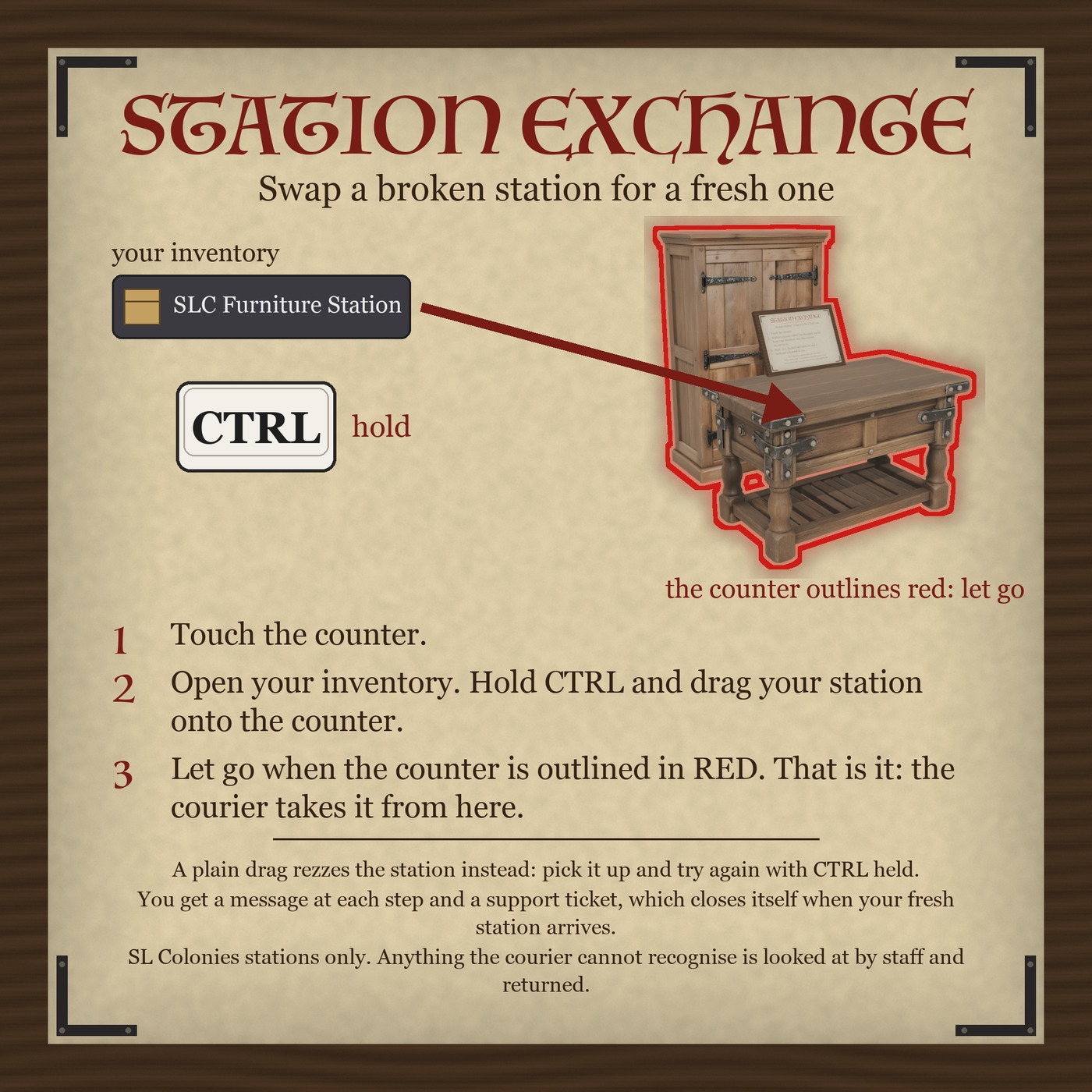
- HUBs from before the October 2026 update no longer trade, and swapping one is free. Take yours to the Station Exchange counter in our in-world store:
- Touch the counter.
- Within a minute, open your inventory, hold CTRL and drag the old HUB onto the counter. (A plain drag rezzes it instead: pick it up and try again with CTRL held.)
- Let go when the counter is outlined in red. The courier checks it and sends you the current HUB, and you’re told each step in local chat and by IM.
The product page is here: Marketplace HUB in Second Life — SL Colonies Roleplay